Voice Chat
Get voice chat working before you queue: Roblox age verification, per-platform support, microphone permissions and the fix path when the toggle stays greyed out.
Introduction
Voice chat is not an optional extra in Be A Voice Actor — it is the entry ticket. Every round is scored from your microphone input, and there is no typing or text fallback. That makes setup the single most common reason new players bounce off the game, because the toggle can be greyed out, missing entirely, or silently disabled by an operating-system permission. This hub walks through account requirements, per-platform support and a troubleshooting path for each failure state.
Voice Chat Setup Checklist
| Layer | What To Check | Typical Symptom | Status |
|---|---|---|---|
| Account | Meet the age requirement for your region | Toggle never appears in Settings | Blocker |
| Verification | Complete the date-of-birth verification flow | Toggle visible but greyed out | Blocker |
| System | Grant microphone permission in your OS | Others cannot hear you at all | Common Fix |
| Device | Confirm the platform supports voice chat | Feature missing on that device only | Check First |
Setup Scenarios
Toggle Greyed Out
A visible but unclickable toggle almost always means verification has not completed, not that the feature is broken. Work through the date-of-birth flow to the end and reload the client. If it stays grey after a full restart, check the age requirement for your region before assuming a technical fault.
Nobody Can Hear You
When the feature is enabled in Roblox but the lobby still cannot hear you, the block is almost always at the operating-system or browser level. Microphone permission has to be granted outside Roblox, per application. Check the system privacy settings, then confirm the correct input device is selected rather than a disconnected headset.
Toggle Missing Entirely
If the voice chat option does not exist anywhere in Settings, the device you are on most likely does not support the feature. This is a platform limitation rather than a bug you can fix in game. The practical answer is to move to a supported device, which for most players means a PC or a modern mobile handset rather than older console hardware.
Echo, Lag and Cutouts
Echo usually means your headset is feeding speaker output back into the microphone, so switch to headphones and drop the input sensitivity. Laggy or clipped voice is more often a bandwidth problem than a settings problem. Background noise is the quiet killer here, because the scoring compares your attempt against a clean reference clip, not a noisy room.
Core Mechanics
Voice chat on Roblox is gated by three separate layers, and all three must pass before the feature appears in a supported experience. First, your account must meet the age requirement for your region, which is verified through the official date-of-birth flow. Second, the device and platform must actually support the feature, which rules out some older hardware and certain console configurations. Third, the operating system must grant microphone permission — a step players frequently miss because they only check Roblox's own settings.
Advantages
Getting setup right pays off immediately, because every other skill in the game depends on it. Once voice chat works you can hear exactly how the lobby reacts to your attempts, which turns each round into usable feedback rather than a mystery number. A verified account also unlocks voice chat across Roblox rather than just this experience, so the same fifteen minutes of setup benefits every voice-enabled game you play. Testing your microphone in advance removes the most common cause of a wasted first session.
Challenges
The biggest weakness is the age verification requirement, which no amount of technical troubleshooting can bypass for players who do not meet it. Platform support is inconsistent too: mobile and PC behave differently, and a toggle that exists on one device may be absent on another. Permission handling is spread across the operating system, the browser and the platform client, so a fix found in one guide may not match your setup. Anyone under the age threshold or on unsupported hardware simply cannot play.
Frequently Asked Questions
Can you play Be A Voice Actor without voice chat?+
How do I enable voice chat for Be A Voice Actor?+
Why is my voice chat toggle greyed out in Roblox?+
Quick Tips
Test your microphone in another voice-enabled experience before you queue into Be A Voice Actor. Isolating whether the problem is your setup or this specific game saves an enormous amount of frustration, because you will know immediately whether to troubleshoot your hardware or your account settings. It takes two minutes and removes the most common cause of a wasted first session.
Check the operating-system permission, not just the in-game toggle. Roblox can show voice chat as enabled while the system blocks microphone access for the client entirely. On desktop this lives in your privacy settings, on mobile it is a per-application permission, and both are easy to overlook because nothing inside Roblox points at them.
Use headphones for every session if you can. Speaker output bleeding back into an open microphone creates echo that makes your attempt harder for the lobby to score, and it is the most common reason a technically working setup still produces bad results. Headphones also keep the reference clip audible while you are speaking.
Featured
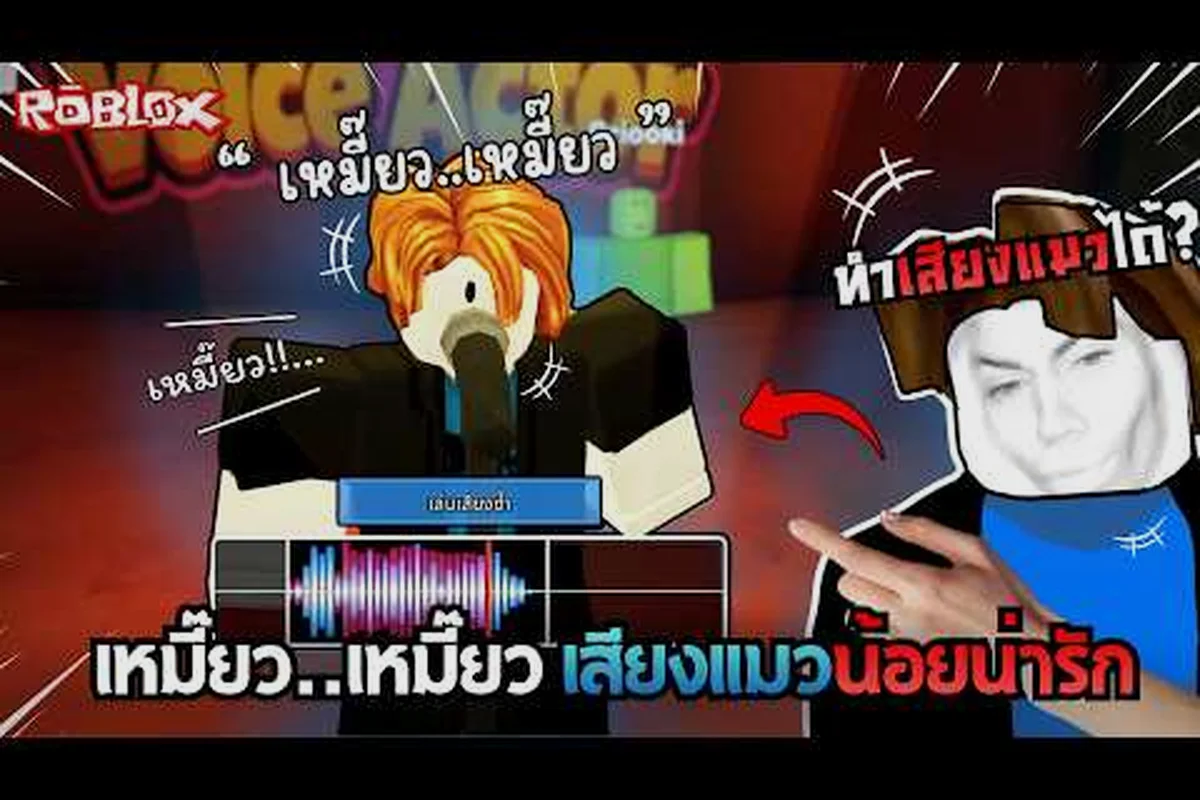
Be A Voice Actor Voice Chat Explained for New Players
Learn how be a voice actor voice chat works, why the official Roblox listing requires verification, and what to do when the toggle is missing or not working.
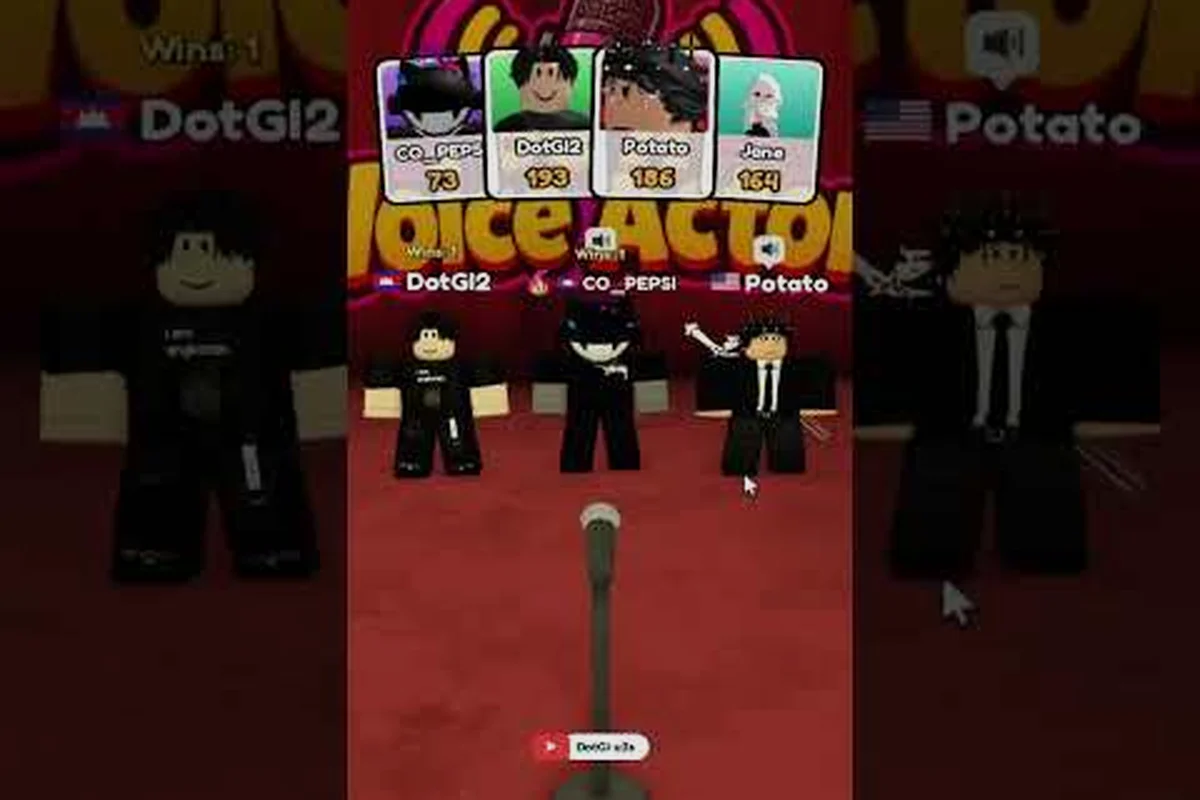
Be A Voice Actor Voice Chat Fix When Nobody Hears You
Work through a be a voice actor voice chat fix for missing audio, covering Roblox age verification, the enable toggle and the safety settings behind it.
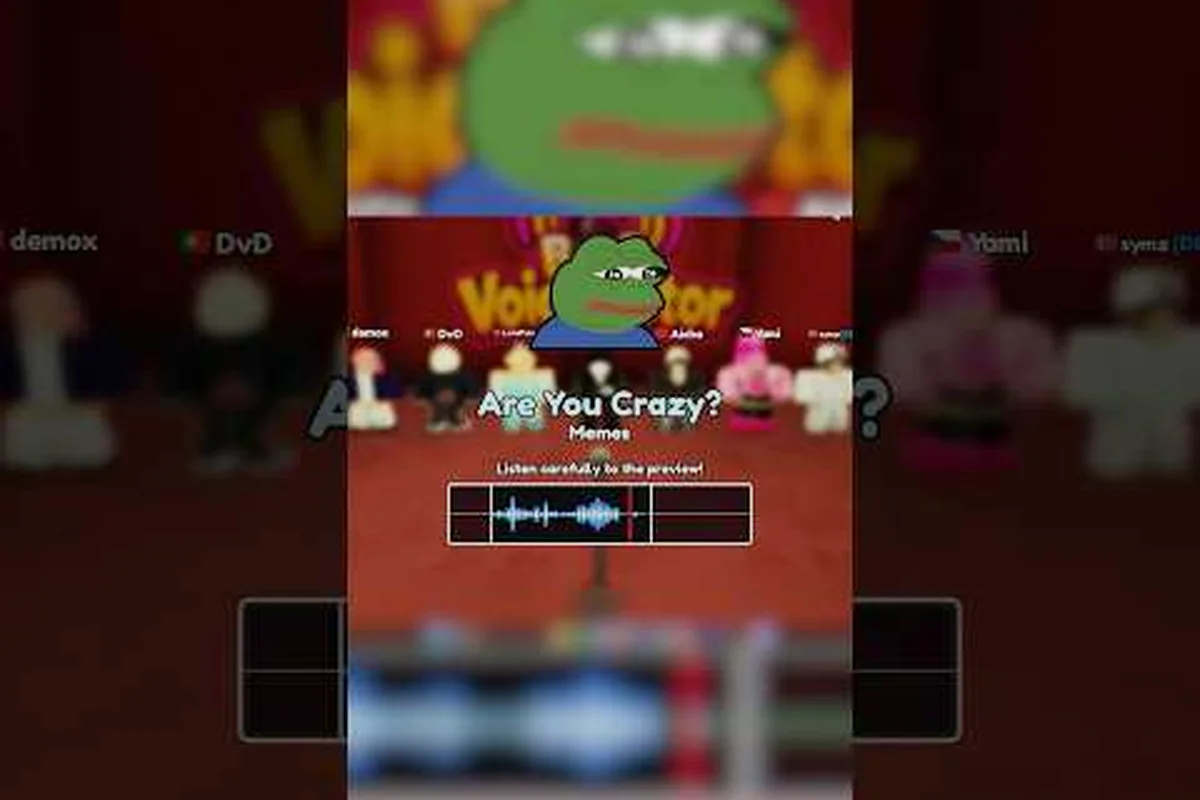
Be A Voice Actor Roblox Voice Chat Echo Fix for Cleaner Audio
Apply a roblox voice chat echo fix using push to talk, player muting and audio quality settings so your voice stops looping back into the lobby.
All Articles
Be A Voice Actor Roblox Voice Chat PC Setup and Console Support
Set up roblox voice chat pc input and output devices correctly, then compare console support and the moderation rules that apply on every platform.
Be A Voice Actor Roblox Voice Chat Requirements Age Check Guide
Understand roblox voice chat requirements before you queue, including age verification, device support and why the toggle is greyed out on your account.
Be A Voice Actor Microphone Setup for Clear Takes
Dial in a be a voice actor microphone setup that cuts background noise, fixes mic sensitivity and reduces lag so voters hear every detail of your imitation.
Be A Voice Actor Roblox Voice Chat Suspended Ban Recovery Steps
Recover from a roblox voice chat suspended ban by checking moderation triggers, privacy settings and microphone permissions before you send an appeal.